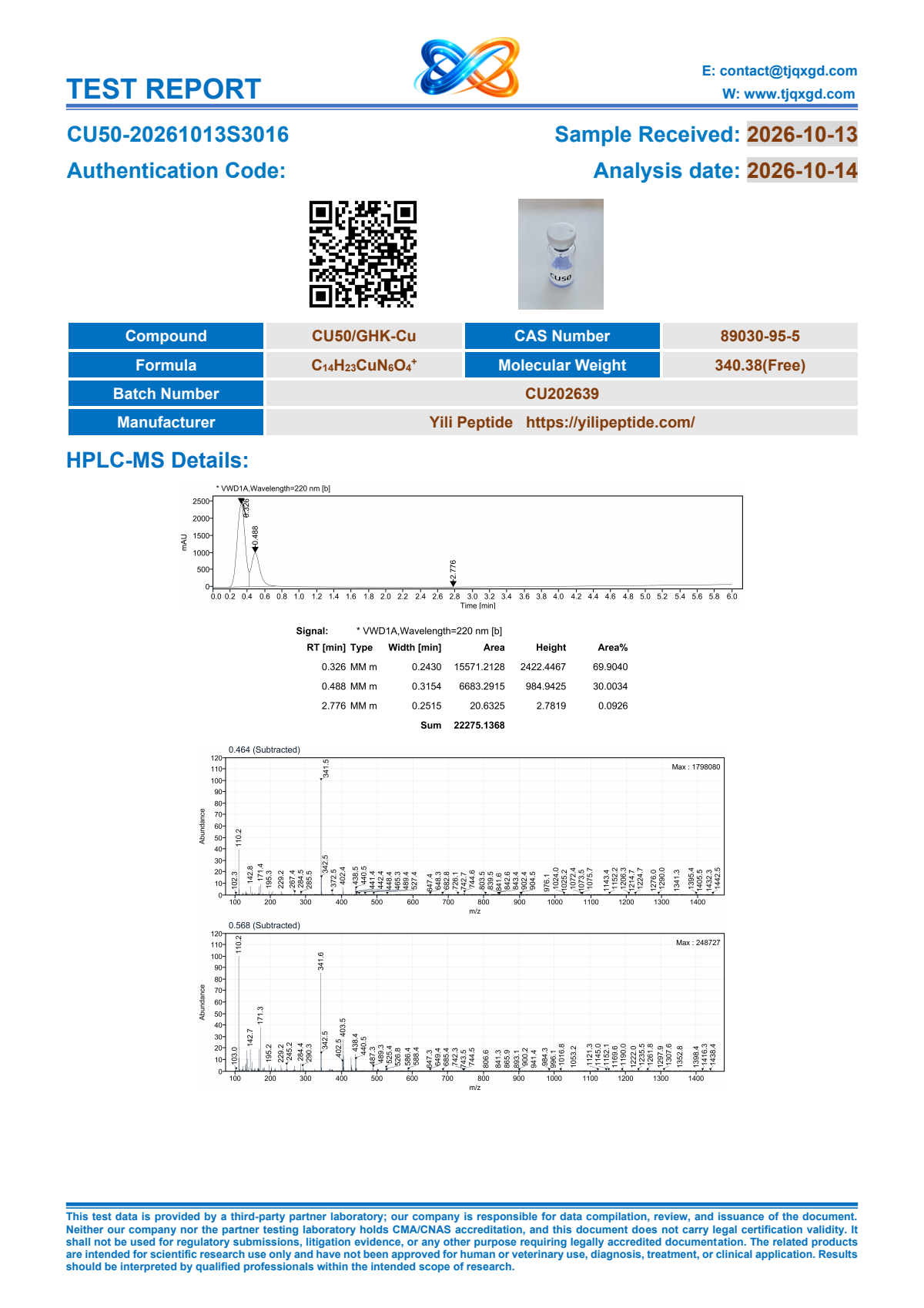
Specifications
How to check a complete SKU before ordering
Distinguish similar product names, vial amounts and combination listings so the quote describes the exact specification you need.
Check the name, vial amount and SKU together
Search the catalog with the complete SKU whenever you have it. On the product page, read the complete SKU, amount per vial and package record after selecting the option. Preserve the unit as written. A vial amount expressed in mg, mcg or ml carries its own meaning in the catalog.
Use the summary immediately above the box count to verify the selection before sharing the product link. A shared specification link includes the SKU so a colleague can open the same variant.
Recognize common mix-ups
| What to watch for | Compare the complete records |
|---|---|
| Two amounts under one product | CU50 · GHK-CU · 50 mg per vial CU100 · GHK-CU · 100 mg per vial |
| A similar number with a different unit | LC216 · LC216 · 10 mg per vial LC526 · LC526 · 10 ml per vial |
| Separate combination listings | GLOW70 · BPC157 10mg KLOW80 · BPC 157 10mg |
Read combination names in full, including the listed components. Two names can start with similar text while identifying different combinations. Keep the complete product name and SKU on each purchasing line.
Keep the specification linked through the quote
- Copy the selected SKU from the specification table and record the per-vial amount and unit next to it.
- Record the packaging from that selection and add the box count for the request.
- If you need a report, open the COA tab for the selected SKU and check the report-matching steps. Ask about document availability if the catalog requests confirmation.
- On receiving a quote, compare its SKU and specification to the original purchase line before checking delivery or approval.